装完系统之后我通常会做什么之macOS
Tips: 本篇文章会根据自身使用习惯或系统更新不定时更新!!!
设置自身使用习惯及优化系统
桌面与屏幕保护程序
桌面
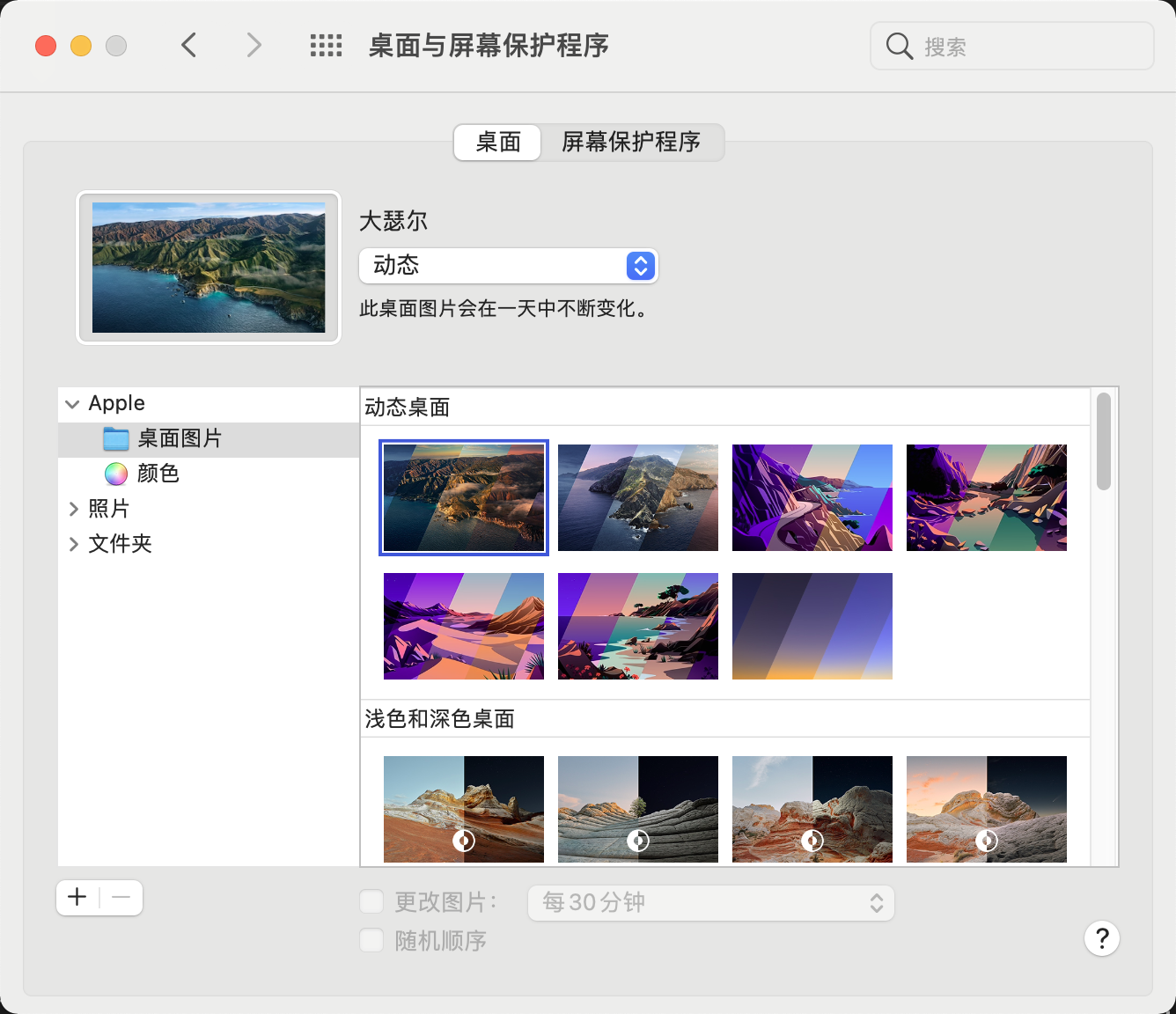
桌面壁纸喜欢动态桌面,喜欢看山,从早上的太阳到落日到余晖,再到晚上到夜色。
屏幕保护程序
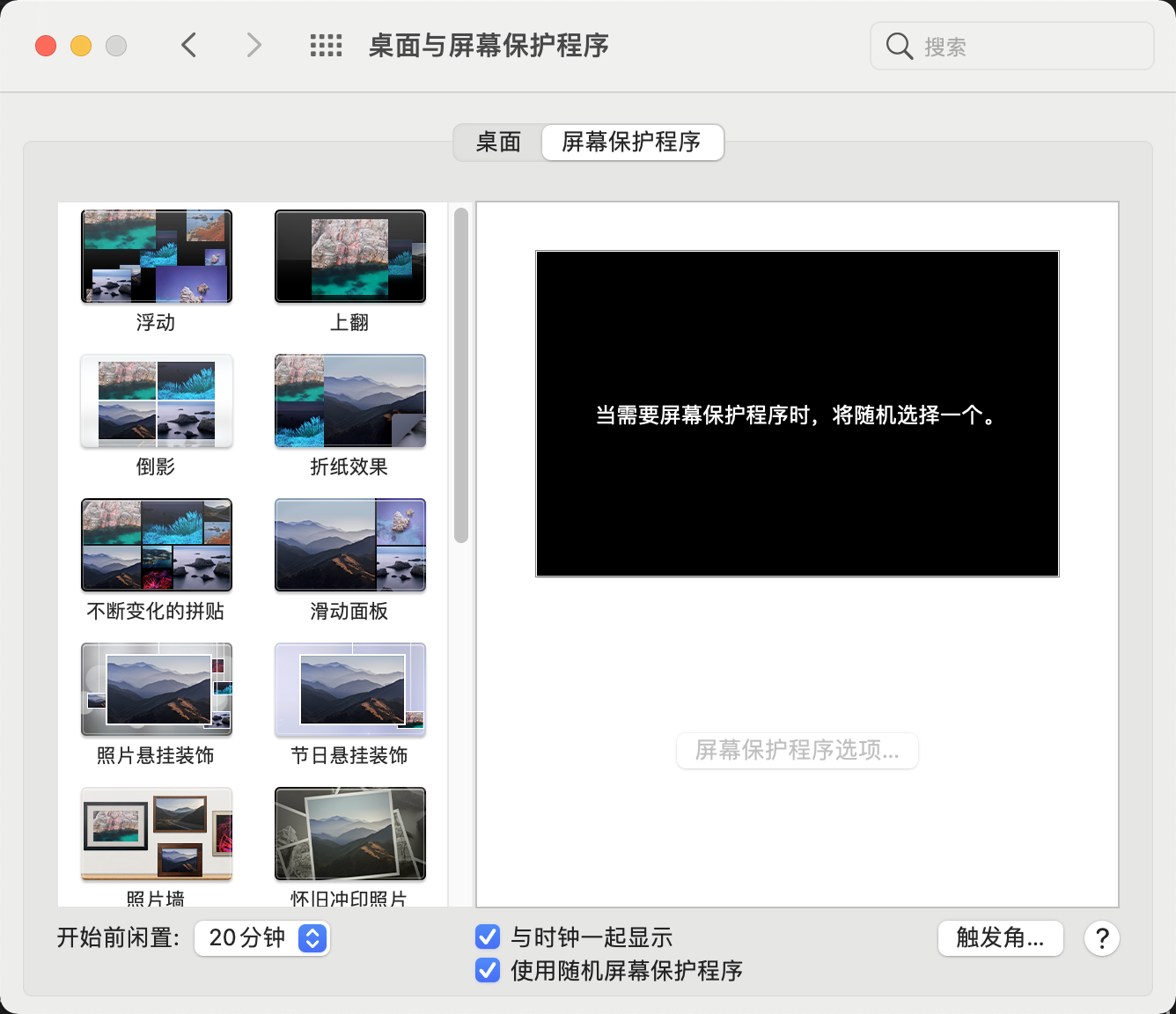
与时钟一起显示,这个必须有,保护程序的话都觉得可以,那就随机显示吧!
程序坞
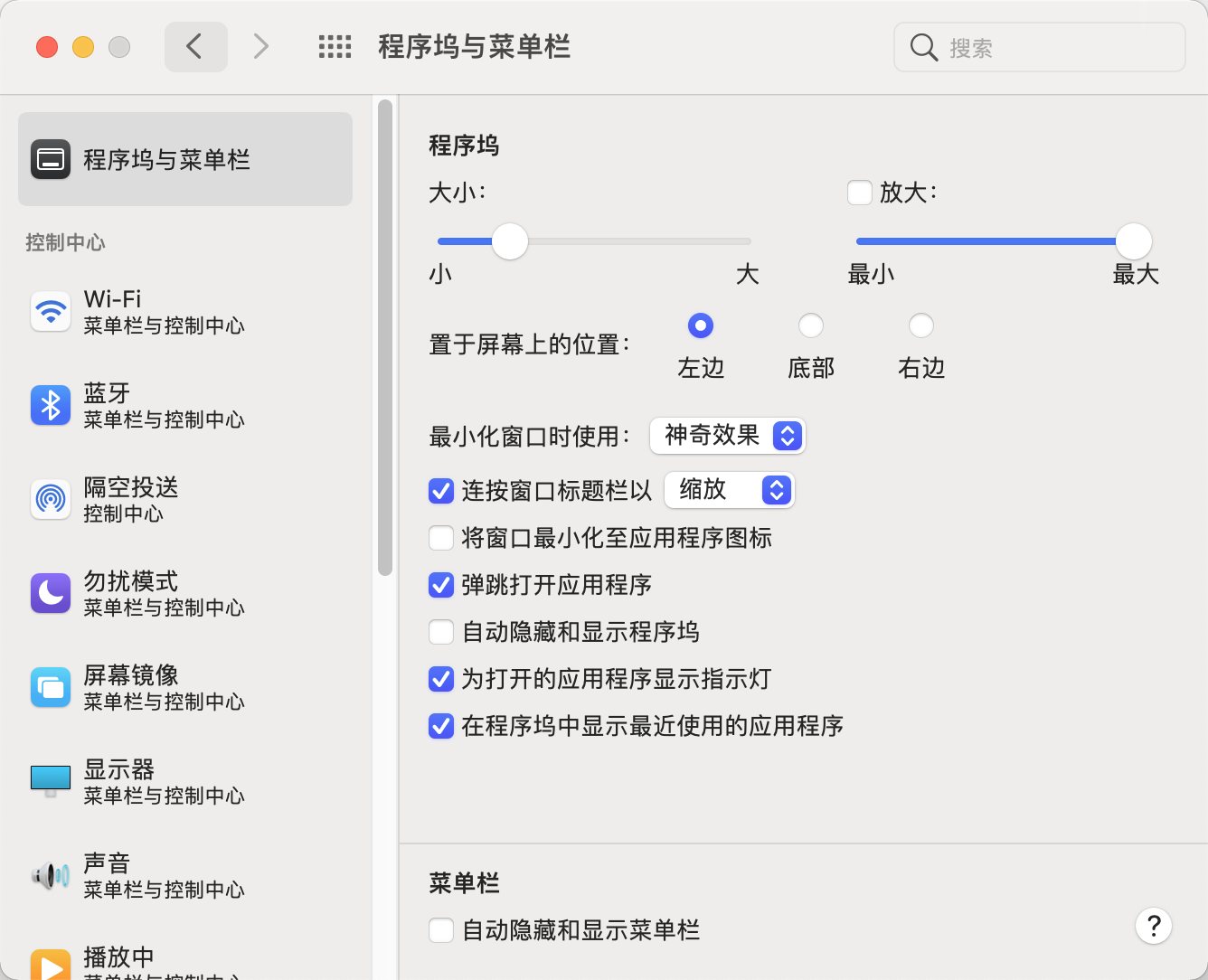
程序坞比较喜欢放在左边,上大学的时候用过很长一段时间 Ubuntu 还有老师的 macOS 的程序坞也放在左边,这…,就习惯放在左边了。
然后就是大小,我喜欢小一点,大概 25%。
键盘偏好设置
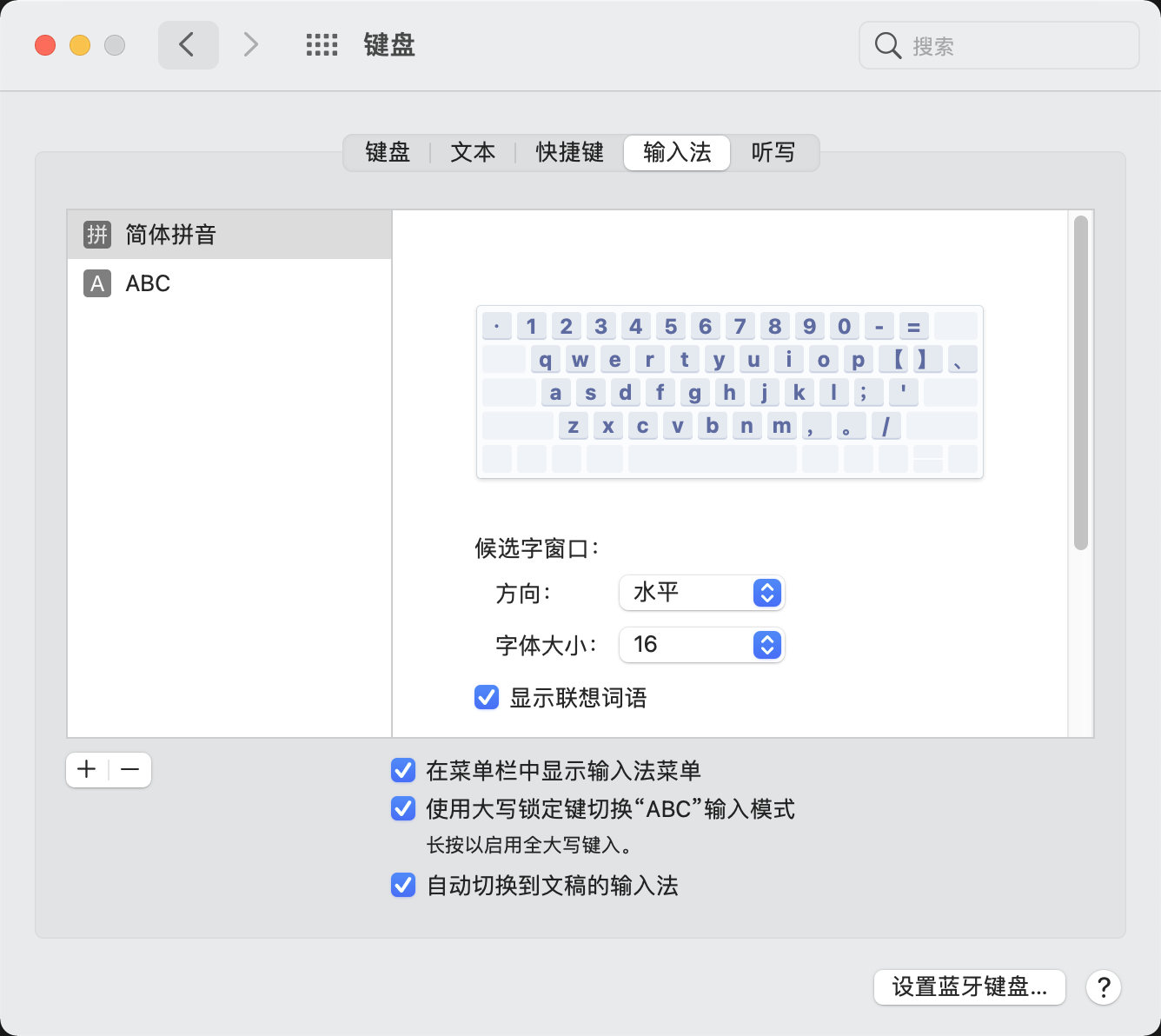
- 自动切换到文稿到输入法
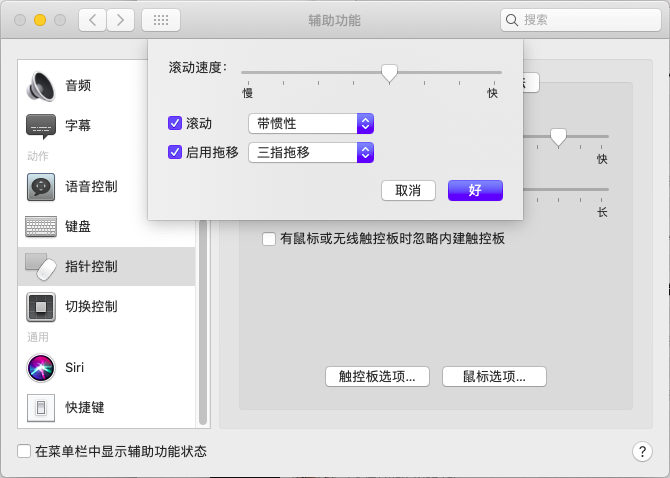
辅助功能
触摸板选项
笔记本上设置三指拖移。
蓝牙
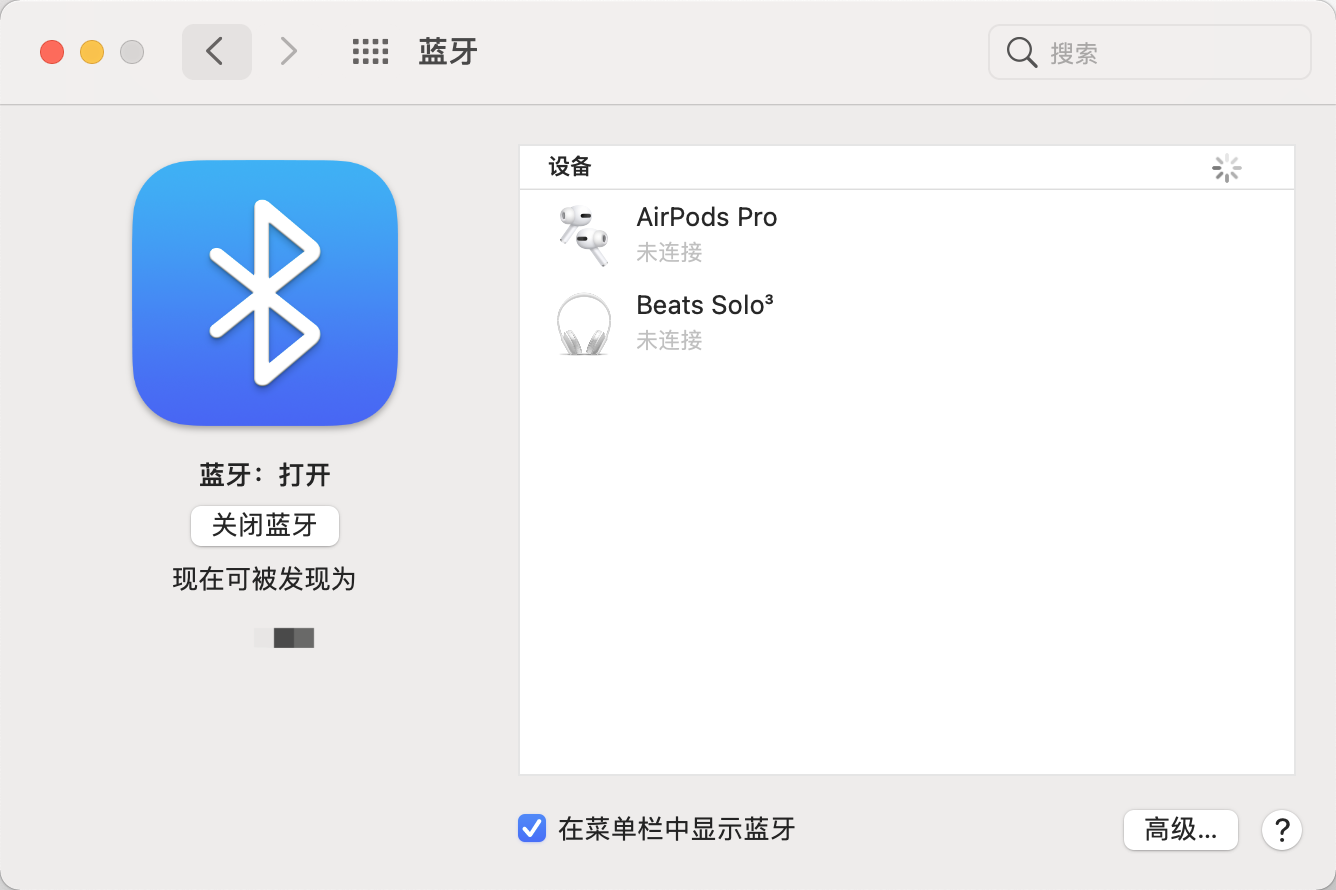
- 设置在菜单栏中显示
声音
- 启动时播放声音
- 当更改音量时播放反馈
- 设置在菜单栏中显示

访达
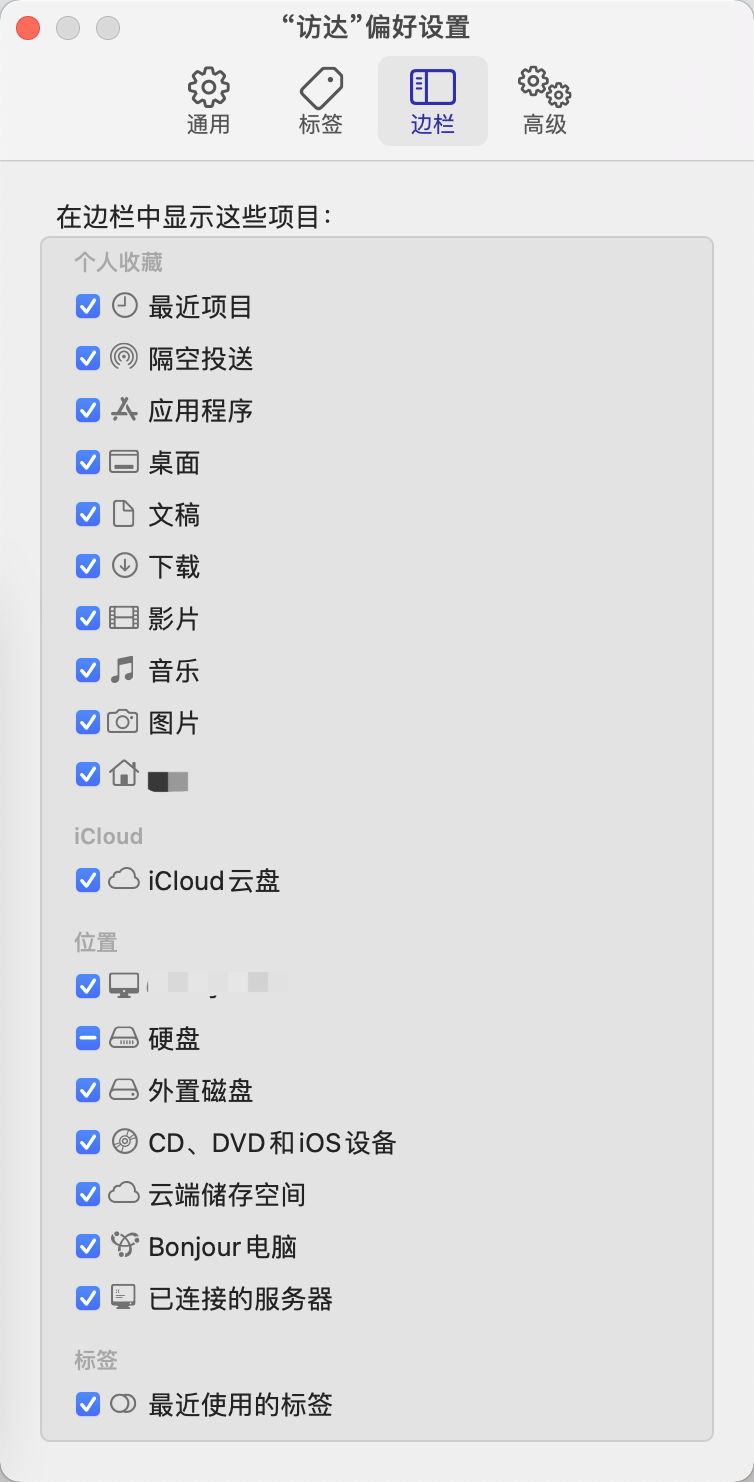
边栏
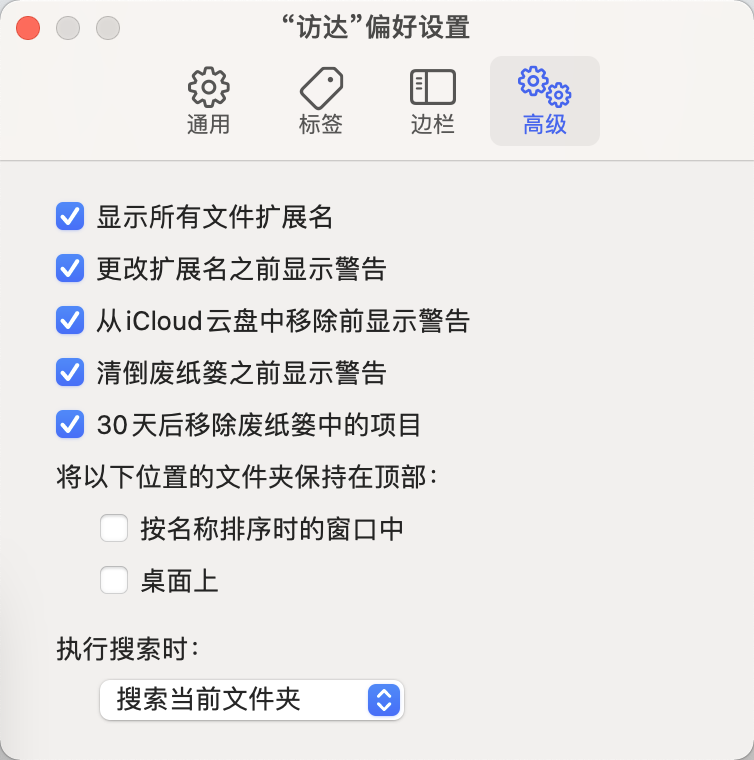
高级
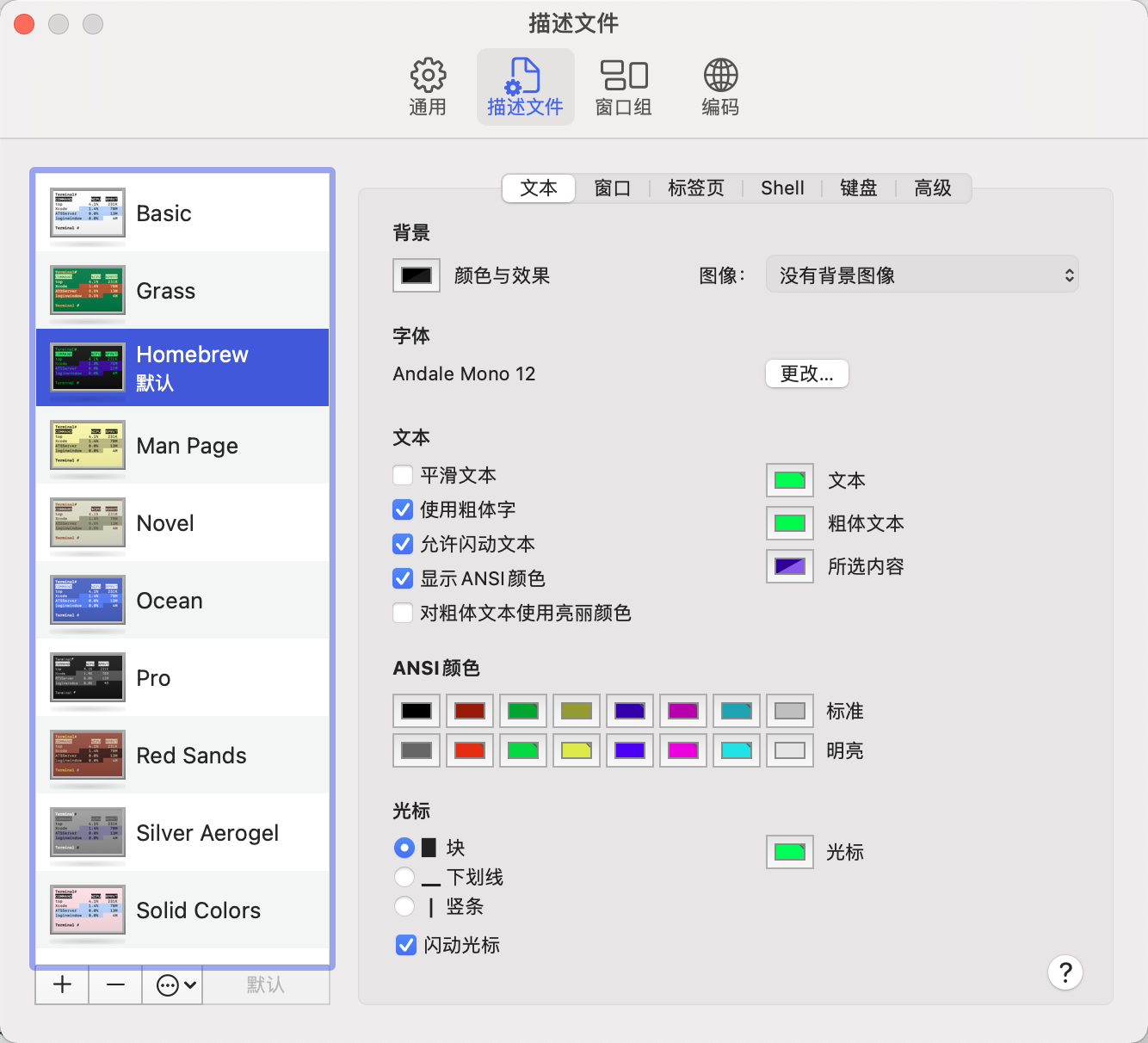
终端
HomeBrew 这种风格比较经典!
启动台
macOS 自带的软件全部放在一个文件夹下,自带的软件真的太多太多了,而且并不经常用。
下载安装软件
Homebrew
必备!!!
安装之前提前修改仓库地址
1 | |
Homebrew 源代码仓库中科大镜像
http://mirrors.ustc.edu.cn/help/brew.git.html
安装 Homebrew 会一起安装 Git 和 Python3,Nice !!!省事!~
The Unarchiver
一款好用的压缩软件,记得关联一下 7z 格式。
通过 App Store 下载
Google Chrome
程序员最常用的浏览器
下载地址:https://www.google.cn/intl/zh-CN/chrome/
Chrome 网上应用店 推荐插件:
Vue.js devtools
React Developer Tools
JSON-handle (一位老师推荐的,用过之后感觉非常不错)
Google 翻译
Wappalyzer (分析网站使用到到技术)
Visual Studio Code
几乎支持所有项目的开发,特别适合前端开发,小巧的代码编辑器。
插件推荐:
Chinese (Simplified) Language Pack for Visual Studio Code
vscode-icons
GitLens — Git supercharged
Python
Vetur
YAML
Docker
Prettier - Code formatter
- Prettier: Arrow Parens
当箭头函数仅有一个参数时加上括号
- Prettier: Arrow Parens
avoid
- Prettier: Jsx Single Quote
- 在 JSX 中使用单引号而不是双引号
- Prettier: Package Manager
The package manager you use to install node modules.
- Prettier: Package Manager
yarn
- Prettier: Semi
- 是否在每行末尾添加分号
- Prettier: Single Quote
- 如果为
true,将使用单引号而不是双引号
- 如果为
- Prettier: Trailing Comma
尽可能控制尾随逗号的输出。 有效选项:none- 无尾随逗号,es5- 在 ES5 中有效的尾随逗号(对象,数组等,all- 尾随逗号 尽可能(函数参数)
- Prettier: Trailing Comma
none
下载地址:https://code.visualstudio.com/
JetBrains
JetBrains 家的 IDE 绝对的强大,好用。要装就装全家桶,别和我说什么装一个 IDEA 就够了,不不不,我就喜欢装全家桶。
下载地址:
WebStorm
WebStorm是专门开发前端的 IDE,相比于VS Code,个人感觉反而复杂了,更加喜欢VS Code清新的界面。
Navicat
Navicat Premium是一套数据库开发工具,让你从单一应用程序中同时连接MySQL、MariaDB、MongoDB、SQL Server、Oracle、PostgreSQL和SQLite数据库。它与 Amazon RDS、Amazon Aurora、Amazon Redshift、Microsoft Azure、Oracle Cloud、MongoDB Atlas、阿里云、腾讯云和华为云等云数据库兼容。你可以快速轻松地创建、管理和维护数据库。
下载地址:http://www.navicat.com.cn/products/navicat-premium
有一种破解方法:在 GitHub 上搜索 navicat,会出现一些工具。其中 DoubleLabyrinth 大佬的方法是最简单最好用的方法,现在大佬换了一个新账户HyperSine。
仓库: https://github.com/HyperSine/how-does-navicat-encrypt-password
FFmpeg
FFmpeg 是视频处理最常用的开源软件。
相关教程可以阅读 阮一峰 写的一篇关于 FFmpeg 视频处理入门教程 的文章。
下载地址:https://www.ffmpeg.org/download.html
OBS Studio
开源的推流软件,还可以录制视频。
录制视频建议把格式修改为 mp4 格式。
设置 > 输出 > 录像 > 格式 > 修改为 mp4。
Postman
API 工具,模拟发送请求,检查响应并轻松调试。
下载地址:https://www.postman.com/downloads/
ShadowsocksX-NG
科学上网用
Microsoft Office
Adobe
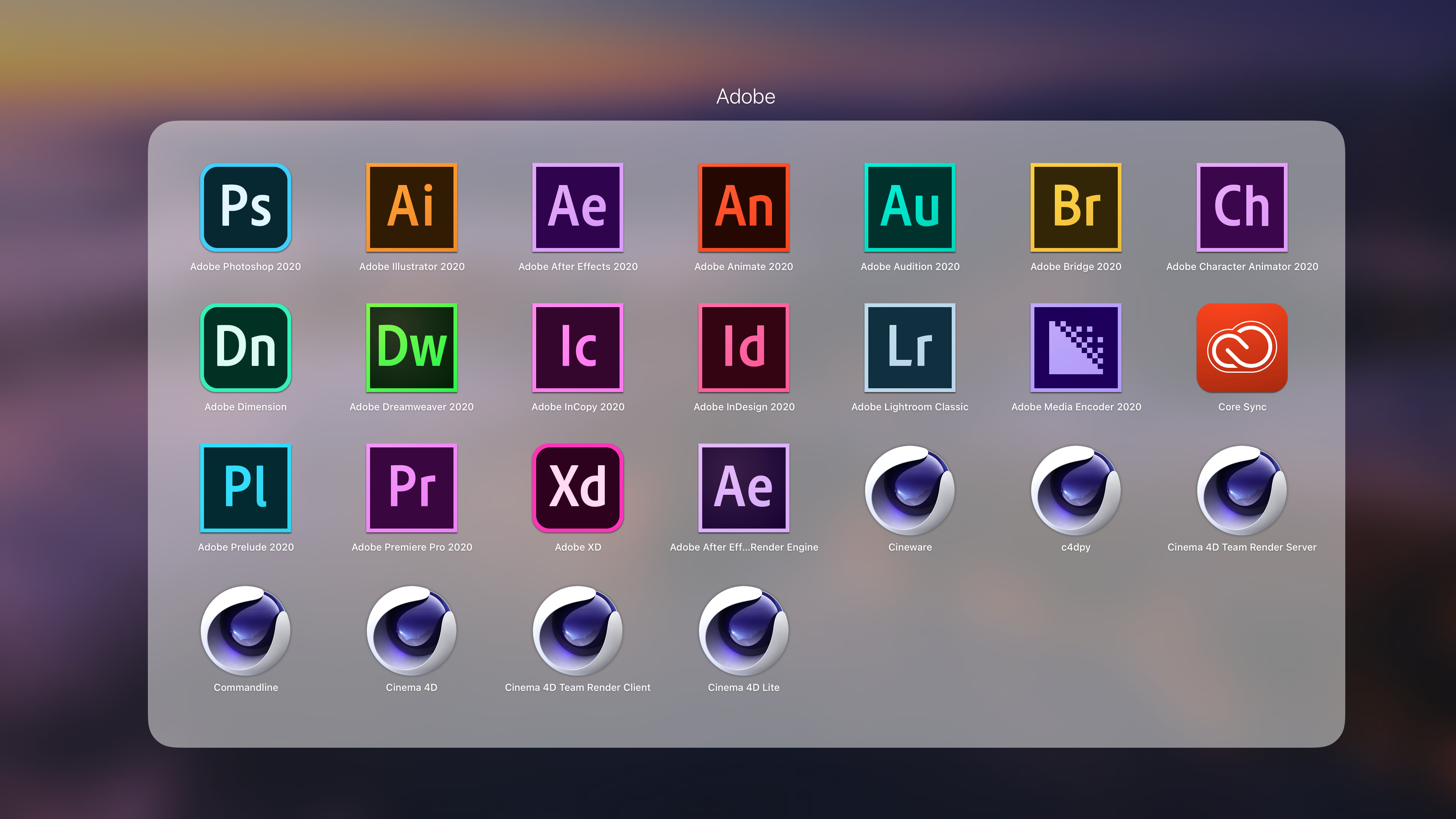
大佬 vposy 破解封装 嬴政天下 Adobe 2020 MacOS 大师版。
Weibo@vposy
Logitech 游戏软件
外设驱动更新得需要,特别是 Big Sur 系统耳机竟然播放不了声音,得用软件自动安装驱动拓展程序。
下载地址:https://support.logi.com/hc/zh-cn/articles/360025298053
Hackintool
号称黑苹果的瑞士军刀。
下载地址:https://github.com/headkaze/Hackintool
ProperTree
ProperTree 是使用 Python(与 2.x 和 3.x 兼容)和 Tkinter 编写的跨平台 GUI plist 编辑器。
下载:
1 | |
Intel® Power Gadget
软件功耗监控工具。
下载地址:https://software.intel.com/content/www/us/en/develop/articles/intel-power-gadget.html
通过 App Store 下载。
微信
通过 App Store 下载。
网易云音乐
通过 App Store 下载。
搭建开发环境
前端开发
Yarn
安装:
1 | |
npm 和 yarn 设置国内淘宝镜像:
1 | |
安装 yarn 时会将 nodejs 一起安装,但安装的 nodejs 并不是 LTS 版本,如果要安装 LTS 版本,可以安装 n 模块。
1 | |
之后更新 nodejs 也可使用 n。
Vue CLI
安装:
1 | |
创建一个项目:
1 | |
Hexo
安装:
1 | |
Flutter
Android Studio
开发安卓原生软件、Flutter、以及调试一些 Native 软件使用。
App 开发必不可少的模拟器调试:
Android Studio创建管理Android模拟器Xcode创建管理IOS模拟器
下载地址:https://developer.android.google.cn/studio
插件推荐:
Flutter在安装Flutter插件时会一起安装Dart插件
Xcode
第一个要下的就是 Xcode,体积很大,而且有时会安装失败,建议安装的时候不要操作,就等它默默安装完。
安装完习惯性喜欢打开一下,给权限同意使用条款。
通过 App Store 下载
GO
下载地址:https://golang.google.cn/doc/install
1 | |
PHP
macOS 本身自带安装 PHP,拓展也很全,基本不需要重新安装。如果重新安装先卸载掉 Apache 中的 PHP,然后通过 Homebrew 进行安装以及安装拓展。
Compser
Composer是PHP的一个依赖管理工具。
设置 Composer 国内镜像:
全局配置(推荐)
1 | |
Java
JDK 下载地址:https://www.oracle.com/java/technologies/javase-jdk11-downloads.html
本博客所有文章除特别声明外,均采用 CC BY-SA 4.0 协议 ,转载请注明出处!